API Keys
What is API Key?
API Keys are used as an authentication mechanism to protect the TRONSCAN API service from unauthorized access. An API Key is a unique string generated by the system. API Keys are assigned to users for authentication during API callings. Users must include API Keys in the headers of their requests to authenticate their identity.
Why does TRONSCAN need API Key?
API Keys are used as a security mechanism that ensures only authenticated users can access the API service, protecting the system from malicious attacks and abuses.
Get an API Key
In the system, each user can obtain unique API Keys for authentication when calling the TRONSCAN API service. Users can obtain an API Key by following these steps:
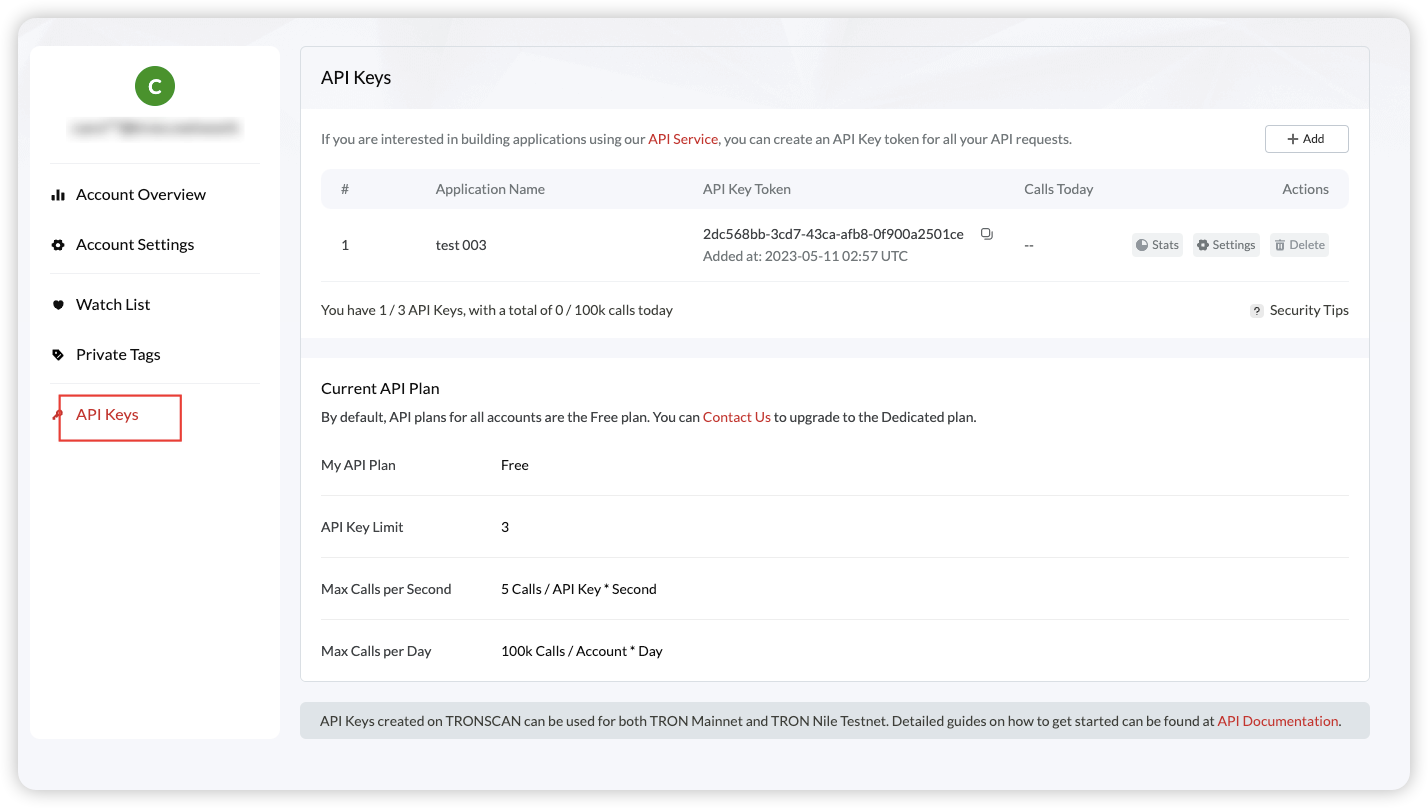
Log in and go to the API Keys page
Log in to the system and go to the API Keys page .
Create a new API Key
Click the “Add” button to enter the editing page. Enter your application name and security options. Then, the system will generate a unique API Key for you.
Copy and use your API Key
Copy the generated API Key token to your application to authenticate your identity when calling the TRONSCAN API service.
How to use your API Key?
In your application, you need to add the API Key to the header of your requests for authentication.
Please replace your_api_key with your actual API Key.
curl
curl -H 'TRON-PRO-API-KEY:your_api_key' 'https://apilist.tronscanapi.com/api/block'If your request does not include the correct API Key, TRONSCAN will limit the rate of your request to protect the API service from abuse.
Notes
Do not disclose your API Key to anyone to prevent malicious use.
-
Do not disclose your API Key to anyone to prevent malicious use.
-
If your API Key is lost or leaked, you can delete your key on the “API Keys” page and generate a new one. If you are unable to operate your key, please contact our customer service immediately. We will invalidate the lost API Key and generate a new one for you.
-
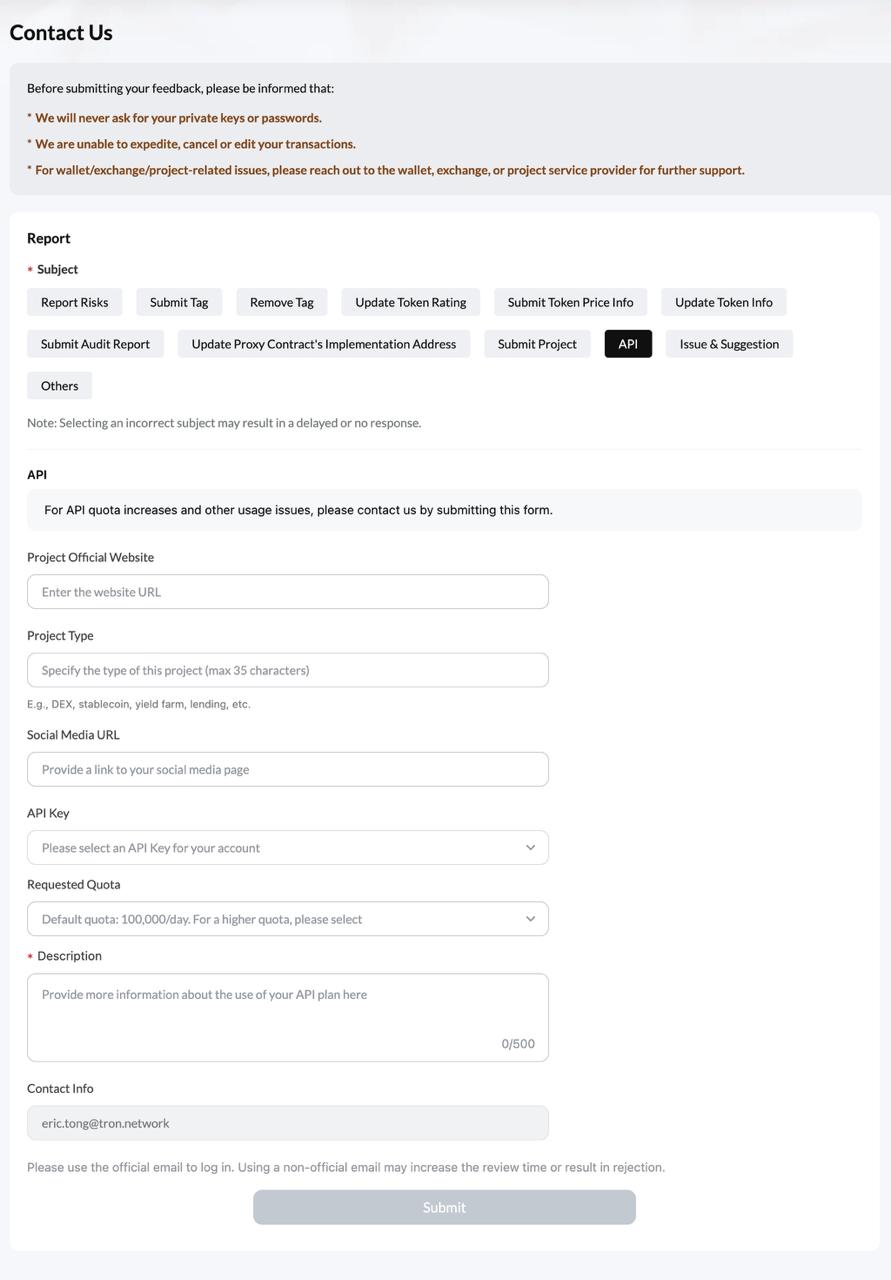
If you need more help or encounter any problem, please contact us . On the page that appears, click “API Related” and describe your problem. Our support team will respond to your ticket as soon as possible.